Some apps
don’t come
to bed.
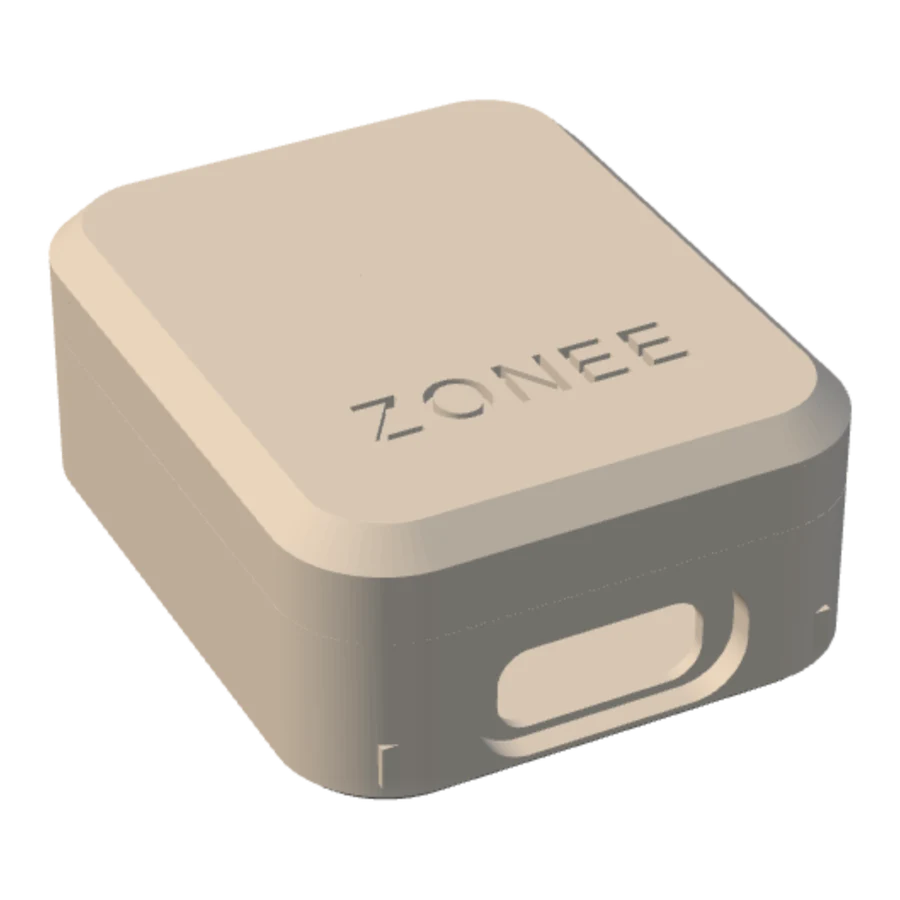
Zonee One sits on your nightstand. When your phone comes to bed, the apps you chose stay shut. Get up, and they open again.
Your pointer is the phone. Bring it near.Scroll, and the phone goes to bed.
How Zonee decides
- 1
It goes on the nightstand.
Zonee One has no screen and no buttons. It marks where your bed is, over Bluetooth. Plug it into USB-C and leave it there.
- 2
Your phone comes to bed.
The apps you chose close. Open one and Zonee covers it. Calls, alarms and every app you didn’t choose keep working.
- 3
You get up.
Carry the phone out of the zone and everything opens. Nothing to switch off, no timer to remember.
- 4
When it isn’t sure, it opens.
Bluetooth off, Zonee One unplugged, the phone just restarted: any doubt and nothing is blocked. You can always reach your apps.
- Time on apps
- Night use
- Pickups
Every day, one number.
Zonee reads your own phone and gives the day a score out of 100: time on the apps you chose, how late you used them, how often you picked the phone up.
It measures you against your own normal, toward goals you set. A low day looks exactly like a good one. A day it couldn’t measure stays blank, never zero.
Nothing leaves your phone.
No account and no server. Zonee keeps what it measures on the phone, and uninstalling it deletes everything. Read the privacy policy.
The beta is small.
Each Zonee One in the beta is printed and flashed by hand. If you have an Android phone and want to try it, write to us and say which phone you use.
Ask for a beta unit- Phone
- Android 12 and later
- iPhone
- Not yet
- Zones
- Your bed, and one more place you pick
- Account
- None
- Price
- Not set during the beta